
Authentication
Authentication
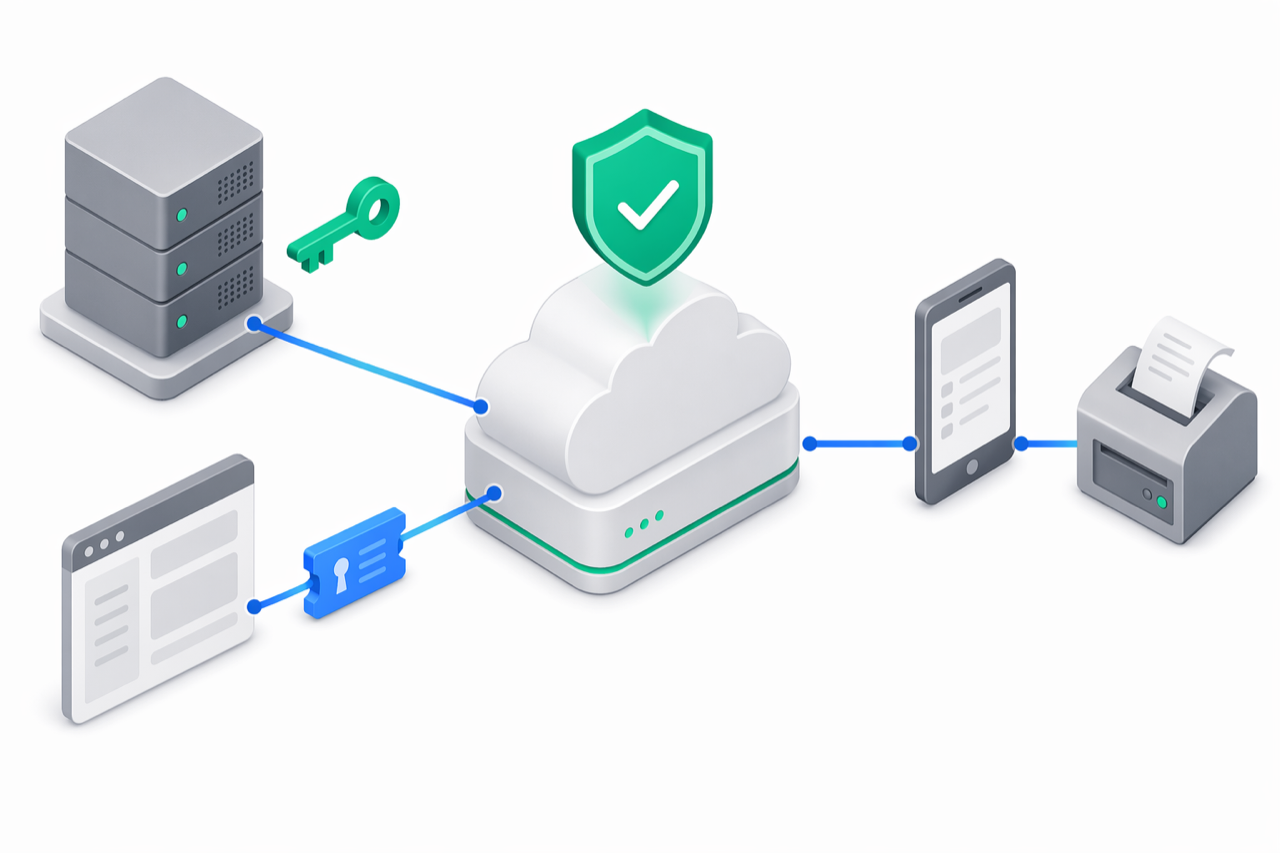
The e-bon API supports two authentication modes, and most endpoints accept either one through a combined-auth middleware:
- API key — server-to-server authentication for POS systems, ERPs, accounting connectors and any other backend integration. This is the primary mode for the API reference below.
- JWT (Bearer access token) — short-lived session token used by the e-bon Portal and the E-BON mobile app. Mentioned here for completeness; the register / login / refresh flow is documented in the Portal section.
Pick API keys for anything that runs unattended on a server. Reserve JWT for interactive sessions where a human signs in.
API key format
An e-bon API key is a single opaque string with this structure:
ebon_live_<orgId>_<32 hex characters>
ebon_live_— fixed prefix that identifies a live e-bon API key. The auth middleware refuses to even hash a key that does not start with this prefix.<orgId>— your organization identifier. May contain underscores.<32 hex>— 32 random hexadecimal characters ([0-9a-f]{32}). The server checks the format strictly.
The full secret is shown only once, in the Portal, at creation time. The server stores only its hash; there is no way to retrieve the secret again. If you lose it, delete the key and create a new one.
Send the key
Both of these headers are accepted on every request. Pick one and stick to it across your integration:
x-api-key: ebon_live_<orgId>_<32-hex>
Authorization: Bearer ebon_live_<orgId>_<32-hex>
The middleware checks x-api-key first, then falls back to Authorization: Bearer …. Sending both is harmless but pointless.
Generate a key
Keys are generated from the e-bon Portal. You need the Owner or Admin role on the organization.
Open the Portal
Sign in at e-bon.ro with the email and password that own the organization.
Go to API Keys
In the sidebar, click API Keys (/portal/api/keys). The page lists every key currently issued for your organization.
Click Create API Key
The button is at the top right. The modal asks for a label and a set of scopes.
Pick a label and the smallest scope set you need
Use a label that names the integration consuming the key (POS Integration, Accounting Sync, …). Tick only the scopes the integration actually uses — see Choose scopes below.
Copy the secret from the reveal modal — once
The Portal shows the full key exactly once, with a clear warning. Copy it into your secret store (1Password, Vault, your CI provider, an env var) before closing the modal. Closing without copying is permanent.
The full Portal walkthrough — including rotation, deactivation, deletion and last-used tracking — lives at Portal › API keys.
Choose scopes
A scope is a permission attached to a key. A request authenticated with a given key can only reach endpoints that match its scopes; anything outside the set returns 403 FORBIDDEN. e-bon ships nine scopes:
| Scope | Meaning | Typical endpoints |
|---|---|---|
all | Full access. Bypasses every other scope check. Use only for trusted internal integrations. | Everything under /api/v1/... |
receipts | Read and write receipts. | GET /receipts, GET /receipts/{id}, POST /receipts |
receipts:read | Read-only access to the receipt history. No write operations. | GET /receipts, GET /receipts/{id} |
receipts:admin | Storno and archival operations on existing receipts. | Storno reversals, archive endpoints |
reports | Read X, Z, JE (Jurnal Electronic) and MF (Memorie Fiscală) reports. | GET /reports/{x,z,je,mf}, POST /reports/{x,z,je,mf} |
devices | Full device management — read and write. | All /devices and /devices/{id} endpoints |
devices:read | Read-only access to the device fleet (status, location, last seen). | GET /devices, GET /devices/{id}, GET /devices/{id}/status |
devices:write | Register, update and delete devices. Does not grant read access to receipts or reports. | POST /devices, PATCH /devices/{id}, DELETE /devices/{id} |
commands | Submit, list, poll and cancel fiscal commands. | All /commands endpoints |
receipts, not all. An accounting export wants receipts:read plus reports. Tightening scopes limits the blast radius if a key ever leaks.Use JWT authentication (briefly)
JWT auth powers the Portal and the E-BON mobile app and is exposed on /api/v1/auth/*. It is a standard register / login / refresh / logout flow:
| Endpoint | Purpose |
|---|---|
POST /api/v1/auth/register | Create a new organization and the owner user. |
POST /api/v1/auth/login | Exchange email + password for an access token + refresh token. |
POST /api/v1/auth/refresh | Exchange a refresh token for a new access token. |
POST /api/v1/auth/logout | Revoke the supplied refresh token. |
Send the returned access token as Authorization: Bearer <jwt> on subsequent requests. JWTs are short-lived; refresh them when you receive 401 TOKEN_EXPIRED. The auth endpoints have a stricter rate limit than the rest of the API — see the API overview › Rate limits table.
For backend integrations you almost always want an API key, not a JWT. Use JWT only when you are building a UI that signs a real human in.
Handle auth errors
All auth errors use the standard error envelope documented on API overview › Error envelope.
Missing key:
{
  "error": {
    "code": "UNAUTHORIZED",
    "message": "Missing API key. Provide via x-api-key header or Authorization: Bearer <key>."
  }
}
Malformed key (wrong prefix or wrong shape):
{
  "error": {
    "code": "UNAUTHORIZED",
    "message": "Invalid API key format."
  }
}
Unknown or revoked key:
{
  "error": {
    "code": "UNAUTHORIZED",
    "message": "Invalid API key."
  }
}
Deactivated key (toggled off in the Portal):
{
  "error": {
    "code": "UNAUTHORIZED",
    "message": "API key is inactive."
  }
}
Insufficient scopes (key is valid, but not for this endpoint):
{
  "error": {
    "code": "FORBIDDEN",
    "message": "Insufficient scopes. Missing: devices:write"
  }
}
Expired JWT:
{
  "error": {
    "code": "TOKEN_EXPIRED",
    "message": "Access token has expired"
  }
}
Follow best practices
- Treat every key like a password. It grants direct access to fiscal operations on behalf of your organization.
- Never embed a key in client-side code. Mobile apps, browser bundles and desktop UIs all leak. Keep the key on a server you control.
- Store keys as environment variables or in a secret manager (1Password, Vault, AWS Secrets Manager, GCP Secret Manager). Never commit them to source control.
- One key per integration. A different key for the POS, the accounting export and the dashboard means you can revoke one without breaking the others.
- Use the smallest scope set that works. See the table above;
allshould be the exception, not the default. - Rotate by replacement. There is no rotate-secret endpoint — create a new key, switch the integration over, then delete the old one in the Portal. Co-ordinate the cut-over before deletion: revocation is immediate and any in-flight request with the old key starts failing with
401.
Try the curl examples
1. Header form (x-api-key):
curl https://api.e-bon.ro/api/v1/devices \
  -H "x-api-key: ebon_live_acme_corp_a1b2c3d4e5f6a7b8c9d0e1f2a3b4c5d6"
2. Bearer form (Authorization):
curl https://api.e-bon.ro/api/v1/devices \
  -H "Authorization: Bearer ebon_live_acme_corp_a1b2c3d4e5f6a7b8c9d0e1f2a3b4c5d6"
3. With an idempotency key (recommended for every POST /commands and POST /receipts):
curl -X POST https://api.e-bon.ro/api/v1/commands \
  -H "x-api-key: ebon_live_acme_corp_a1b2c3d4e5f6a7b8c9d0e1f2a3b4c5d6" \
  -H "Content-Type: application/json" \
  -H "Idempotency-Key: order-12345-attempt-1" \
  -d '{
    "deviceId": "dev_abc123",
    "type": "print_receipt",
    "payload": {
      "operatorId": "casier_01",
      "items": [
        { "name": "Paine alba 500g", "quantity": 2, "price": 5.49, "vatGroup": "VAT2", "department": 1 }
      ],
      "payments": [{ "method": "cash", "amount": 10.98 }]
    }
  }'
A quick way to confirm a key works at all is GET /api/v1/me, which echoes back the key's orgId, scopes and keyLabel:
curl https://api.e-bon.ro/api/v1/me \
  -H "Authorization: Bearer ebon_live_acme_corp_a1b2c3d4e5f6a7b8c9d0e1f2a3b4c5d6"
{
  "orgId": "acme_corp",
  "scopes": ["receipts", "commands", "devices:read"],
  "keyLabel": "POS Integration"
}
Where to next
- API overview — base URL, error envelope, rate limits, idempotency, pagination.
- Receipts, Reports, Devices and Webhooks — endpoint references for the core fiscal surfaces.
- Portal › API keys — managing keys (rotation, deactivation, deletion) from the UI.
Events WebSocket
Wire-protocol reference for the e-bon real-time events WebSocket — the hello/welcome handshake, JWT and API-key auth, the eight event types, scope-based filtering, frame shape, heartbeat, rate limit, close codes and reconnect guidance.
Rate limits
How the e-bon API throttles requests, what the RateLimit headers mean, what a 429 response looks like, and how to back off correctly from your POS integration.