
Daisy
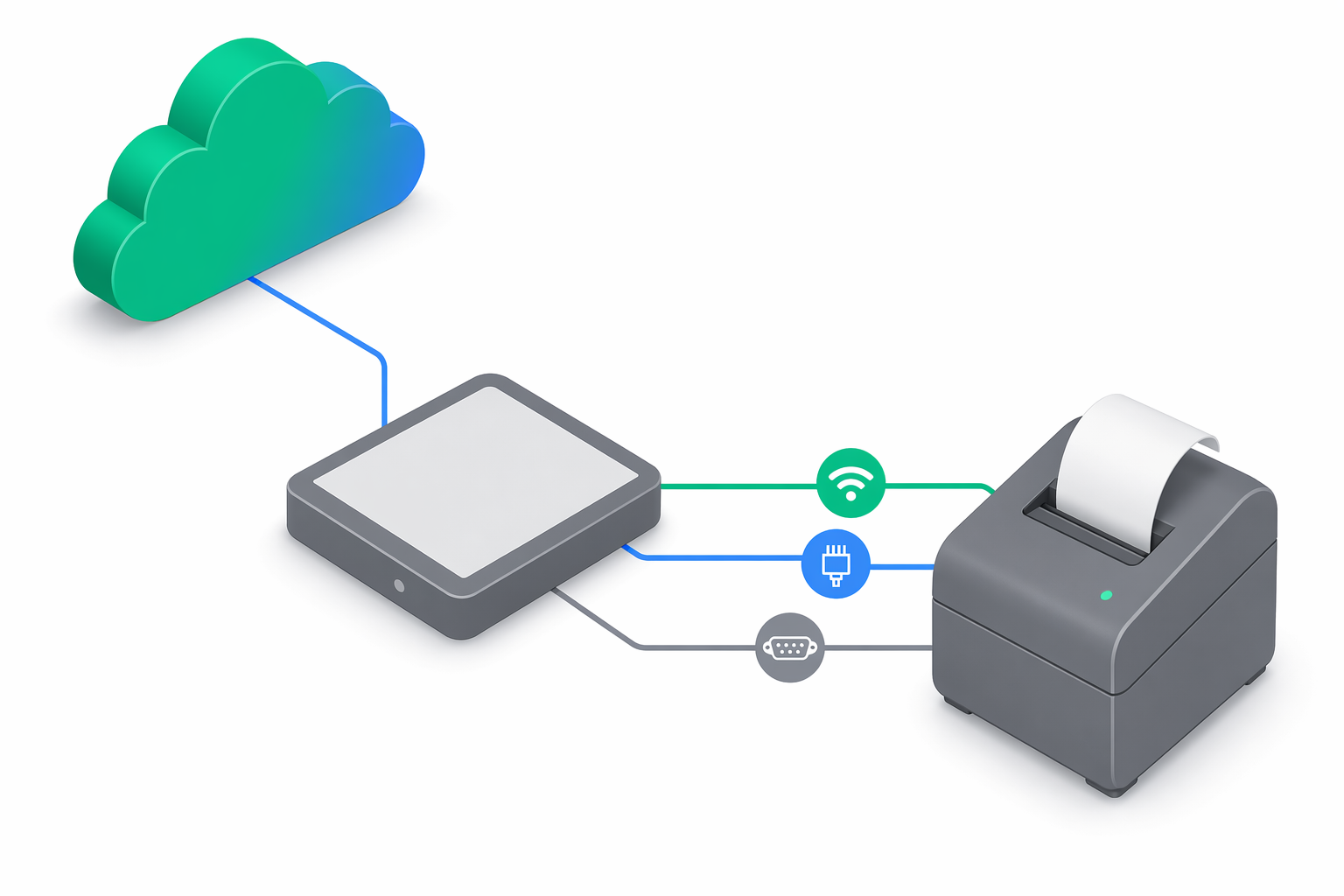
Daisy is a Bulgarian manufacturer covering models such as eXpert SX, perfeKT and FX1200. The e-bon registry exposes a single daisy.isl driver from the isl (Information Systems Limited) family — the previous Bulgarian and Romanian-localized variants are unified into one entry at the driver-family level.
At a glance
| Driver id | Family | Default TCP port | Default baud | Transports | Probe order |
|---|---|---|---|---|---|
daisy.isl | isl | 9100 | 115200 | TCP, Bluetooth, Serial | 5 |
Choose a transport
Daisy accepts TCP/IP over wired Ethernet, Bluetooth, and Serial (RS-232). USB-connected units go through a USB-to-Serial bridge (CDC-ACM or FTDI) and are addressed as Serial. Wi-Fi for the AMEF link is not supported; see the Wi-Fi note in Supported devices.
Use the connection defaults
The driver defaults to TCP port 9100 and 115200 baud — the standard ISL-family values. Override them only when the device has been re-configured locally or is reachable through a port-mapped NAT.
Troubleshooting
No protocol-specific quirks are documented at this time; standard troubleshooting applies — see Troubleshooting.
Pair the printer
Daisy printers pair through the standard Android flow. The full walkthrough is in Pairing your fiscal printer.
Next steps
- Supported devices — full compatibility matrix and family overview.
- Pairing your fiscal printer — operational pairing flow on Android.
- Troubleshooting — when a paired device goes offline or refuses to print.