
Find your device protocol
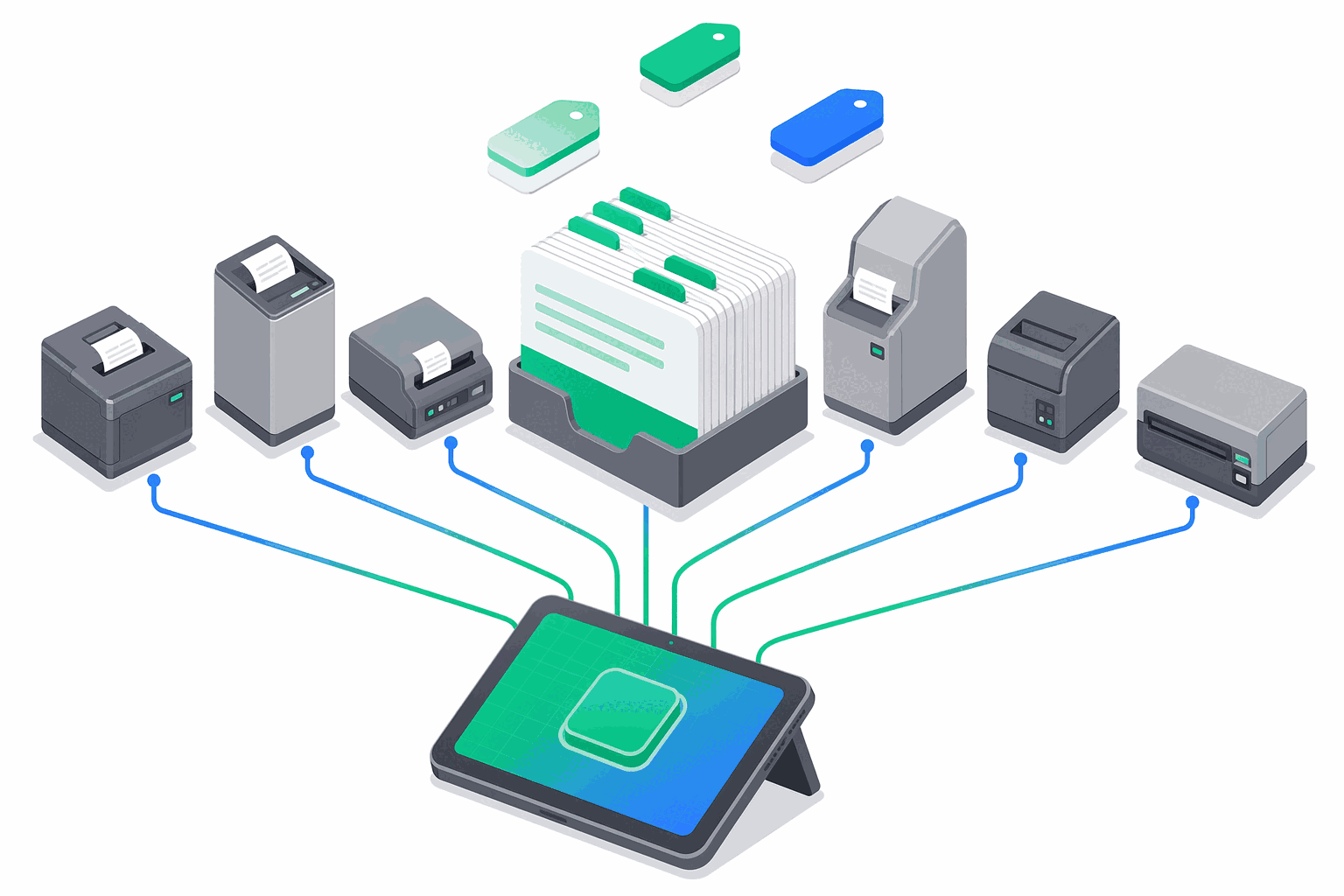
e-bon supports 7 fiscal device protocols across the major Romanian and regional manufacturers — Datecs, Tremol, Daisy, Eltrade, Incotex and Shtrih-M — plus a generic Custom fallback for serial-spoken hardware. This page is the single reference for what to send to the API when you register a device, which TCP port to expect on a network-attached printer, and what baud rate to set on a serial cable.
Choose a protocol for your device
When you register a device through the e-bon API or the Portal, you pass one of the driver IDs from the first column below. Pick the row that matches the model on the device label.
| Order | Driver ID | Display name | Manufacturer | Family | Default TCP port | Default baud |
|---|---|---|---|---|---|---|
| 1 | Datecs | Datecs (ISL) | Datecs | ISL | 9100 | 115200 |
| 2 | Tremol | Tremol (ZFP) | Tremol | ZFP | 4999 | 115200 |
| 3 | MFJE | MF/JE (Shtrih) | Shtrih-M | Shtrih | 9100 | 115200 |
| 4 | Custom | Custom (Serial) | Generic | Custom | 8000 | 9600 |
| 5 | Daisy | Daisy (ISL) | Daisy | ISL | 9100 | 115200 |
| 6 | Eltrade | Eltrade (ISL) | Eltrade | ISL | 9100 | 115200 |
| 7 | Incotex | Incotex (ISL) | Incotex | ISL | 9100 | 9600 |
For per-vendor capability details (paper width, ANAF certification, supported commands), see the vendor pages: Datecs, Tremol, Daisy, Eltrade, Incotex, Shtrih, Custom.
Understand the four protocol families
Every supported protocol belongs to one of four families. The family determines the wire-level dialect spoken to the device.
- ISL — the most common family in Romania, originating from the Datecs ISL serial protocol and adopted by several other vendors. Covers all Datecs models, Daisy, Eltrade and Incotex. If you operate a generic Romanian fiscal printer, it almost certainly belongs here.
- ZFP — Tremol's own protocol. Used by the
Tremolentry, which auto-detects the device's payment-slot layout at runtime. Listens on TCP port 4999 rather than the 9100 used by every other family — make sure your firewall and POS configuration reflect this. - Shtrih — the MF/JE protocol from Shtrih-M, used by the
MFJEentry. - Custom — a generic fallback for serial-spoken hardware that does not yet have a dedicated driver. Choose this only when no other entry matches your device.
Know the default ports and baud rates
The default TCP port and baud rate in the table above are the values e-bon will use unless you explicitly override them at registration. Two practical points:
- TCP port 9100 is the default for ISL, Shtrih and (for legacy reasons) every entry except Tremol and Custom. This is the same well-known port used by raw network printing, so most network-attached fiscal printers are reachable here without extra configuration.
- TCP port 4999 is reserved for Tremol's ZFP protocol. If you are setting up a Tremol device on a static IP, open this port through any network address translation or firewall between the POS and the device.
- TCP port 8000 is the default for the
Customentry. Override it at registration if your hardware listens elsewhere.
Pick the right transport
Each protocol declares which connection methods (transports) e-bon can use to reach the device. There are two transport sets in practice:
- TCP, Bluetooth and Serial — supported by all 6 branded protocols (every Datecs, Tremol, Daisy, Eltrade, Incotex and Shtrih entry). You can connect over the local network, pair over Bluetooth, or attach a USB/serial cable.
- Serial and TCP only — used by the
Customprotocol. Bluetooth is not available withCustombecause pairing semantics (PIN, GATT service, RFCOMM channel) are not defined for arbitrary hardware. If you need Bluetooth, you need a branded protocol.
For step-by-step pairing and connection flows, see Discovery & auto-detect.
Understand the auto-detection order
When you scan a port without specifying a protocol — for example, when the e-bon Portal probes a network address to identify an unknown device — protocols are tried in the Order column above, from 1 to 7. Romanian-market devices are probed first by installed-base priority — Datecs (most widely deployed), then Tremol, then MFJE/Shtrih (Romanian MFJE market), then the Custom serial catch-all. The Bulgarian ISL brands (Daisy, Eltrade, Incotex) are lower priority and probed last.
If auto-detect returns more than one possible match for the same device address, the candidates are already sorted by this order, so the first suggestion shown is the most likely one.
Continue exploring
- Supported devices — the hardware-side overview, listing every model e-bon can drive.
- Discovery & auto-detect — how to find devices on the network and pair them.
- Per-vendor pages: Datecs, Tremol, Daisy, Eltrade, Incotex, Shtrih, Custom.
- Glossary — AMEF, fiscal printer, protocol family and other terms.
Supported devices
Canonical list of fiscal devices (AMEF) and transports e-bon supports — drivers, default ports, baud rates, probe order, and known gaps.
Datecs
Datecs fiscal printers — an ISL-family protocol supporting all device generations with a single auto-detecting driver, sharing default TCP port 9100 and 115200 baud.