
Tremol
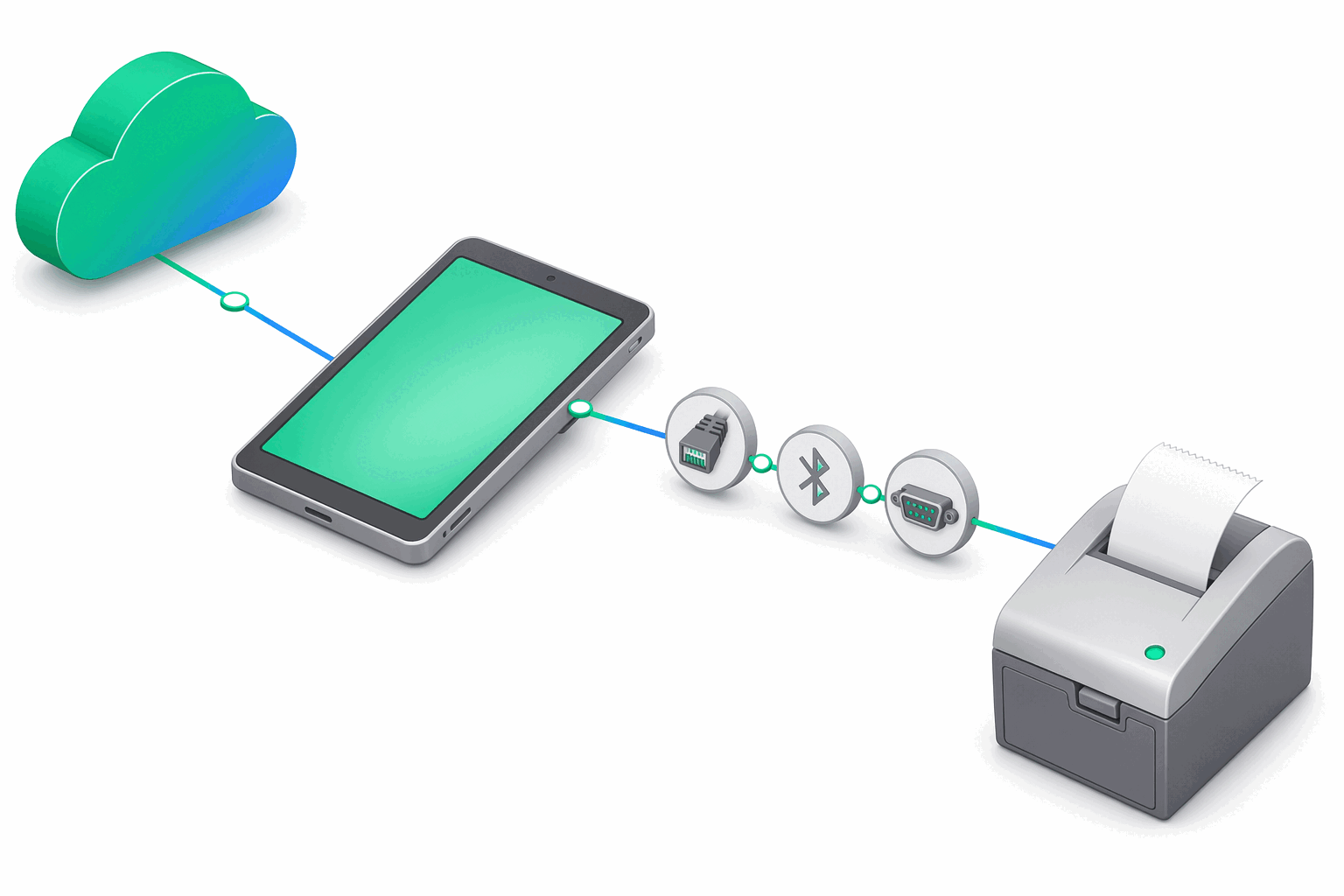
Tremol is a Bulgarian manufacturer whose ZFP (Zero Frame Protocol) family is distinct from the broader ISL stack used by most other AMEF vendors. A single Tremol driver (tremol.zfp) covers every ZFP generation — from legacy units (M20, S21, A19Plus, FP01-KL, FP15, FP24) to newer revisions (FP05-KL, Z-KL-V2, ZM-KL-V2). The driver detects the device's payment-slot layout at runtime (compact Card=1 vs extended Card=7) by reading the programmed payment slots, so there is no per-model driver to choose.
At a glance
| Driver id | Family | Default TCP port | Default baud | Transports | Probe order |
|---|---|---|---|---|---|
tremol.zfp | zfp | 4999 | 115200 | TCP, Bluetooth, Serial | 2 |
Supported transports
Tremol accepts TCP/IP over wired Ethernet, Bluetooth, and Serial (RS-232). USB-attached units go through a USB-to-Serial bridge (CDC-ACM or FTDI) and are addressed as Serial — there is no native USB transport. Wi-Fi for the AMEF link is not supported; see the Wi-Fi note in Supported devices.
Connection defaults
Tremol's distinguishing feature at the transport level is the default TCP port 4999 — different from the ISL family's 9100. If you point e-bon at a Tremol printer with the wrong port preset you will see a clean refusal at the connect step, not a protocol error. Serial and Bluetooth links negotiate at 115200 baud.
Known quirks / firmware tips
The single tremol.zfp driver auto-detects the payment-slot layout (compact Card=1 vs extended Card=7) at connect time by reading the programmed payment slots, so no per-model selection is needed. There are no other protocol-specific quirks documented at this time; for link-layer issues use the standard Troubleshooting checklist.
Pairing flow
Tremol printers pair through the standard Android flow: choose the transport, accept the suggested Tremol driver when auto-detect lands on the ZFP family, and confirm a test print. The full pairing walkthrough is in Pairing your fiscal printer.
Next steps
- Supported devices — full compatibility matrix and family overview.
- Pairing your fiscal printer — operational pairing flow on Android.
- Troubleshooting — when a paired device goes offline or refuses to print.