
Supported devices
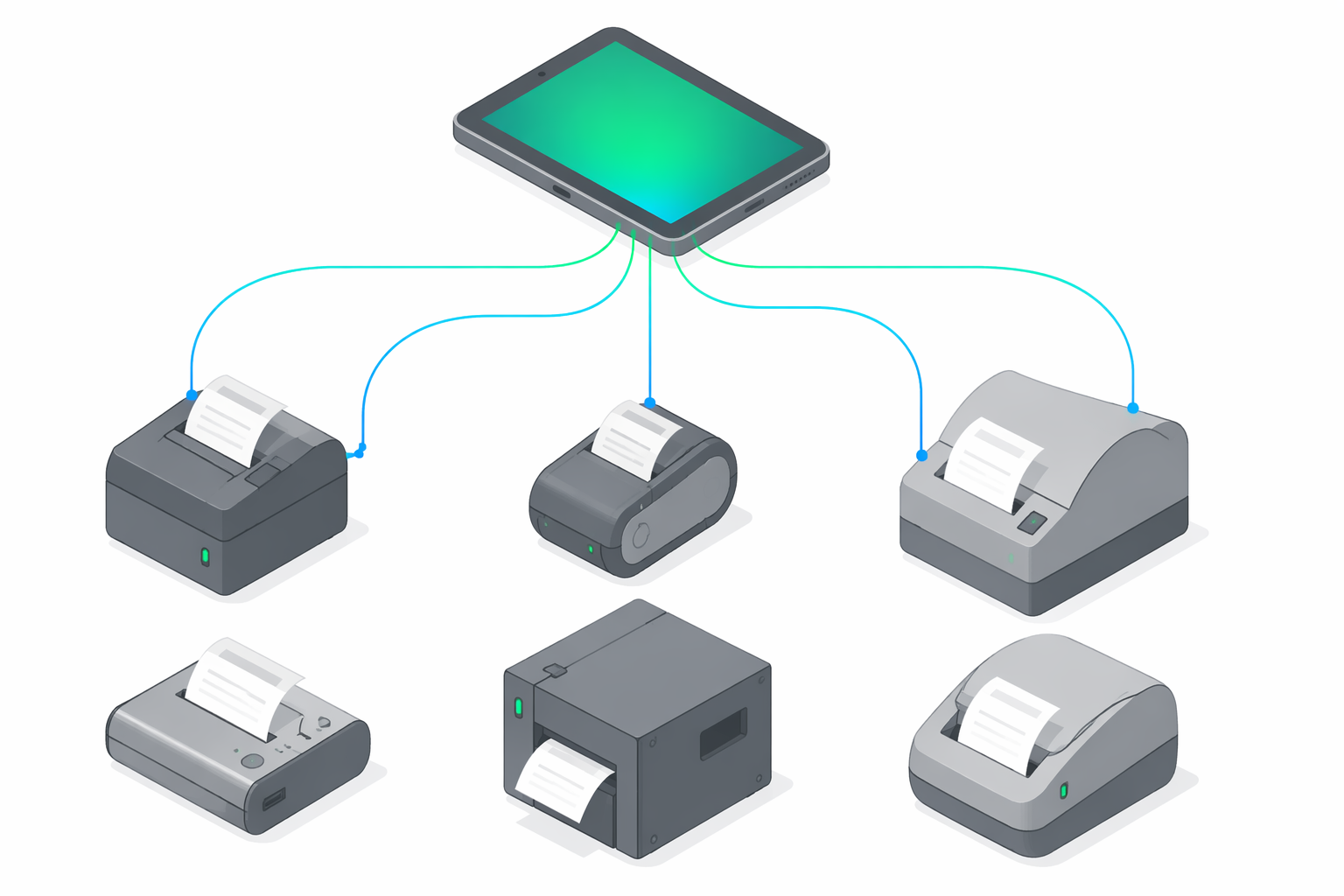
This page is the authoritative answer to the question "do you support device X?". It is aimed at three audiences: business owners verifying that the AMEF they already own (or plan to buy) will work with e-bon; POS integrators planning a deploy and sizing the transport mix; and support staff triaging a customer who reports a device that will not pair.
For the operational pairing flow (Bluetooth, USB, Serial, TCP — what to tap and when) see Pairing your fiscal printer. When a device that should be supported is not behaving, jump to the Troubleshooting guide.
At-a-glance compatibility matrix
| Driver | Manufacturer | Family | Transports | Default TCP port | Default baud |
|---|---|---|---|---|---|
| Datecs (ISL) | Datecs | isl | TCP, Bluetooth, Serial | 9100 | 115200 |
| Tremol (ZFP) | Tremol | zfp | TCP, Bluetooth, Serial | 4999 | 115200 |
| Daisy (ISL) | Daisy | isl | TCP, Bluetooth, Serial | 9100 | 115200 |
| Eltrade (ISL) | Eltrade | isl | TCP, Bluetooth, Serial | 9100 | 115200 |
| Incotex (ISL) | Incotex | isl | TCP, Bluetooth, Serial | 9100 | 9600 |
| MF/JE (Shtrih) | Shtrih-M | shtrih | TCP, Bluetooth, Serial | 9100 | 115200 |
| Custom (Serial) | Generic | custom | Serial, TCP | 8000 | 9600 |
Protocol families
isl— Information Systems Limited protocol family. Used by Datecs, Daisy, Eltrade, and Incotex. Largest installed base in the Romanian and Bulgarian markets; most ISL devices share command framing, which is why the default TCP port (9100) and baud (115200) are consistent across the family with the lone exception of Incotex (9600 baud).zfp— Tremol's ZFP (Zero Frame Protocol) family. Distinctive default TCP port (4999). A singleTremoldriver covers every ZFP generation — it auto-detects the device's payment-slot layout (compact Card=1 vs extended Card=7) at runtime, so no per-model driver selection is needed.shtrih— Shtrih-M MF/JE printers, Romanian electronic-journal compliant variant. ANAF-relevant for venues that previously standardized on Shtrih hardware.custom— Generic Serial fallback for non-listed devices. Lowest probe priority by design: only matched when nothing else claims the connection.
Per-driver detail
Datecs (ISL)
- Manufacturer: Datecs
- Family:
isl - Native driver id:
datecs.isl - Known device coverage: DP-25, DP-150, DP-500, FP-2000 series (large-format / professional installs), FP-700, FP-300, FP-550 (compact / mobile units), FP-1000, FP-3530, WP-500X
- Transports: TCP, Bluetooth, Serial
- Default TCP port: 9100
- Default baud: 115200
- Probe order: 1 (checked first during auto-detect)
Tremol (ZFP)
- Manufacturer: Tremol
- Family:
zfp - Native driver id:
tremol.zfp - Known device coverage: M20, S21, A19Plus, FP01-KL, FP15, FP24, FP05-KL, Z-KL-V2, ZM-KL-V2 (all ZFP generations)
- Transports: TCP, Bluetooth, Serial
- Default TCP port: 4999
- Default baud: 115200
- Probe order: 2
Daisy (ISL)
- Manufacturer: Daisy
- Family:
isl - Native driver id:
daisy.isl - Known device coverage: eXpert SX, perfeKT, FX1200
- Transports: TCP, Bluetooth, Serial
- Default TCP port: 9100
- Default baud: 115200
- Probe order: 3
Eltrade (ISL)
- Manufacturer: Eltrade
- Family:
isl - Native driver id:
eltrade.isl - Known device coverage: A1, A3, K1 series
- Transports: TCP, Bluetooth, Serial
- Default TCP port: 9100
- Default baud: 115200
- Probe order: 4
Incotex (ISL)
- Manufacturer: Incotex
- Family:
isl - Native driver id:
incotex.isl - Known device coverage: 777, 4000K series
- Transports: TCP, Bluetooth, Serial
- Default TCP port: 9100
- Default baud: 9600 (note: lower than the 115200 used by other ISL devices — verify cable/adapter rating before swapping)
- Probe order: 5
MF/JE (Shtrih)
- Manufacturer: Shtrih-M
- Family:
shtrih - Native driver id:
mfje.shtrih - Known device coverage: Shtrih-M MF/JE printers (Romanian electronic-journal compliant variants)
- Transports: TCP, Bluetooth, Serial
- Default TCP port: 9100
- Default baud: 115200
- Probe order: 6
Custom (Serial)
- Manufacturer: Generic
- Family:
custom - Native driver id:
custom.serial - Known device coverage: Fallback path for in-house, white-label, or non-listed devices that speak a serial-compatible fiscal protocol. Manual configuration required (port, baud, framing options); no auto-detect guarantees.
- Transports: Serial, TCP (no Bluetooth — use a listed driver if BT is required)
- Default TCP port: 8000
- Default baud: 9600
- Probe order: 7 (checked last)
Transport notes
USB
USB is defined in the DeviceTransport enum but no driver in the current registry advertises USB as a supported transport. Treat USB as not supported for AMEF connectivity until a registry entry explicitly opts in. In practice, devices that are physically connected over USB are reached via a USB-to-Serial bridge (CDC-ACM or FTDI), and the application addresses them as Serial.
Wi-Fi
DeviceTransport enum and from every entry in the protocol registry. Industry consensus aligns with this position — per the BistroPOS 2026 buyer's guide for Romanian HoReCa: "Wi-Fi este instabil și nu e recomandat pentru uz fiscal." Fiscal devices need a deterministic, low-jitter link: a dropped frame mid-bon fiscal can leave the AMEF in an inconsistent state requiring service intervention; ANAF reporting windows are time-bound and do not tolerate reconnect storms; and most certified AMEFs do not even expose a Wi-Fi stack. Wired LAN is fine — a POS terminal may stay on Wi-Fi as long as the AMEF leg itself is wired, Bluetooth, or Serial.Bluetooth, Serial, TCP-over-Ethernet
- Bluetooth — for mobile or POS-paired setups (waiter tablets, food trucks, anything that moves).
- Serial (RS-232 / USB-to-Serial bridge) — for desktop POS at a fixed station, or when reaching a USB-attached printer through a CDC-ACM / FTDI bridge.
- TCP/IP over wired Ethernet — for LAN-attached printers in larger venues with structured cabling.
Multi-operator serialization
bon fiscal corruption, duplicate-receipt races, or transport-layer deadlocks under load.Concretely, every fiscal operation (open receipt, add line, close, daily Z-report, deposit/withdraw, etc.) is enqueued and dispatched against the device by a single owning consumer. From the perspective of any individual POS terminal the operation appears synchronous; from the device's perspective the operations arrive strictly one at a time, in the order they were accepted. Failures on a single command do not block subsequent commands from unrelated terminals beyond the time needed to surface the error.
This matters in real deployments: shared kitchen printers, multi-iPad floors with a single casă de marcat, and back-office reconciliation running in parallel with live ticketing all work because of this guarantee. Single-POS-per-printer competitors have to fall back to scheduling locks or ask the merchant to buy more printers.
Known gaps
- Partner Tech (e.g. RP-100) — flagged as a known device-coverage gap in the 2026-04-20 HoReCa POS market research. Logged internally as REC-PT-1 (watching). Not on the near-term roadmap; revisit if partner or merchant demand justifies it.
- USB transport — defined in the
DeviceTransportenum but not advertised by any current driver entry. Treat as unsupported for AMEF until a registry entry opts in; reach USB-attached devices via a USB-to-Serial bridge. - Wi-Fi transport — intentionally not supported; see the Wi-Fi note above.
- Any device or driver not listed in the at-a-glance table — first try the Custom (Serial) adapter path. If that does not work, request support (see below).
Requesting a new device
- Email contact@e-bon.ro with the subject
Device support: <manufacturer> <model>. - Attach (or link to) the hardware datasheet and the protocol manual / command reference. Without both, evaluation cannot start.
- Note the transports the device exposes (TCP, Bluetooth, Serial — port and baud if relevant).
- If the request is customer-blocking (signed deal pending hardware coverage), say so explicitly in the email — SLA expectations should be set with the customer up front; default support requests do not carry an SLA.
- Romanian-market specifics (ANAF certification status, electronic journal variant, fiscalization version) should be included up front to avoid back-and-forth.
Next steps
- Pairing your fiscal printer — the operational pairing flow on Android (Bluetooth, USB, Serial, TCP).
- Troubleshooting — when a device goes offline, paper jams, or refuses to print.
- Devices in the Portal — managing your device fleet (status, location, replacements) from the web portal.
Manual Connect
Add a fiscal printer by hand when auto-discovery cannot find it. Pick the driver and transport, enter the connection details, and save the device.
Find your device protocol
Look up every fiscal device protocol supported by e-bon — display name, manufacturer, family, default TCP port, default baud rate, and auto-detection order. Use this page when you register a device through the API or Portal.