
Shtrih (MF/JE)
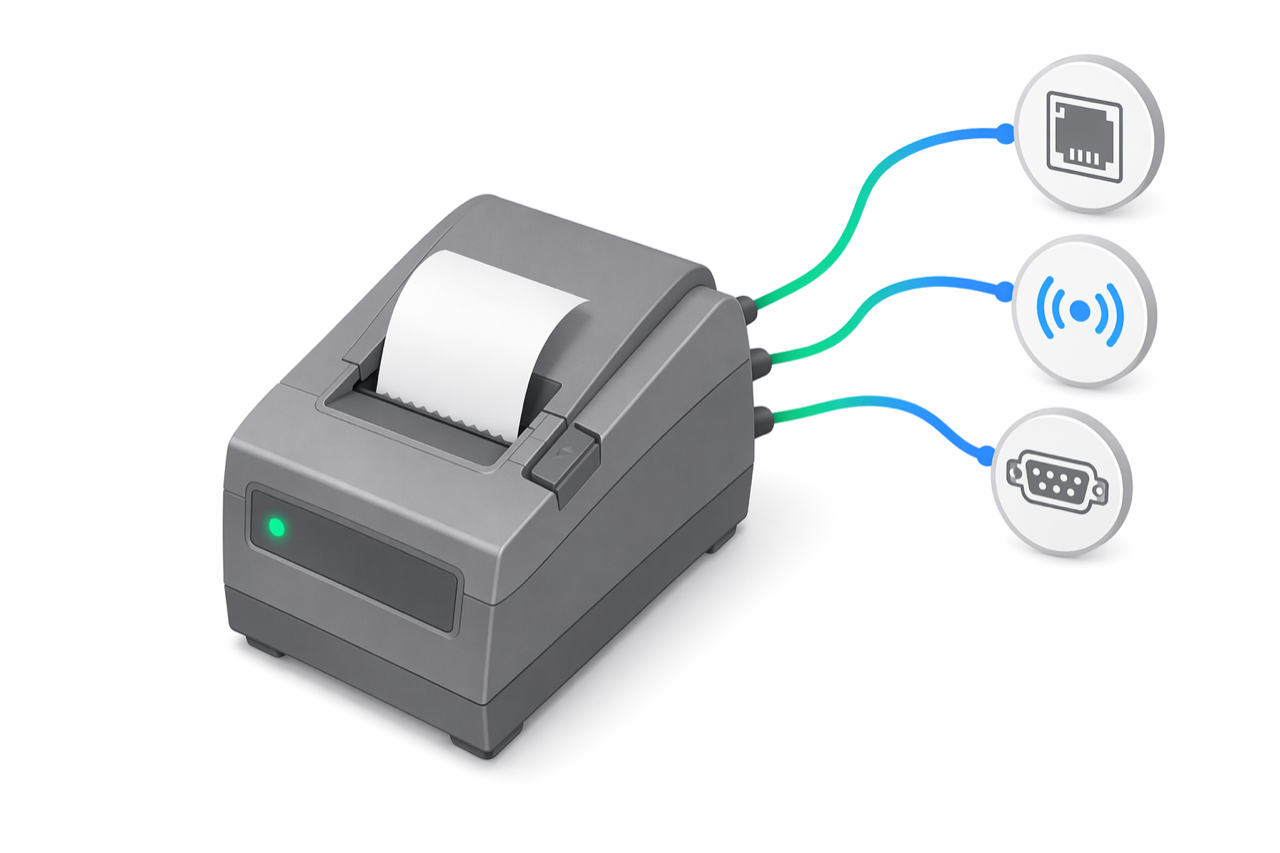
Shtrih-M is a Russian-origin manufacturer whose MF/JE line is the Romanian electronic-journal compliant variant — the relevant choice for venues that previously standardized on Shtrih hardware and need ANAF-compatible electronic-journal handling. e-bon supports it through a single registry entry in its own shtrih family (separate from ISL and ZFP).
At a glance
| Driver id | Family | Default TCP port | Default baud | Transports | Probe order |
|---|---|---|---|---|---|
mfje.shtrih | shtrih | 9100 | 115200 | TCP, Bluetooth, Serial | 3 |
Choose a transport
Shtrih MF/JE accepts the standard transport set: TCP/IP over wired Ethernet, Bluetooth, and Serial (RS-232). USB-attached units are reached through a USB-to-Serial bridge (CDC-ACM or FTDI) and addressed as Serial. Wi-Fi for the AMEF link is not supported; see the Wi-Fi note in Supported devices.
Use the connection defaults
TCP port defaults to 9100 and Serial / Bluetooth links to 115200 baud. Override only when the device has been re-configured locally or is reachable through a port-mapped NAT.
Watch for known quirks
The mfje.shtrih registry entry specifically targets the Romanian electronic-journal compliant firmware variant. If a Shtrih-M unit running a non-RO firmware is paired against this driver, the link will succeed but fiscal commands may surface unexpected errors — confirm the firmware variant on the device before chasing protocol-layer bugs. No other protocol-specific quirks are documented at this time; standard troubleshooting applies — see Troubleshooting.
Pair the printer
Shtrih MF/JE pairing follows the standard Android flow: pick the transport, accept the suggested driver when auto-detect lands on mfje.shtrih, and confirm a test print. The full walkthrough is in Pairing your fiscal printer.
Next steps
- Supported devices — full compatibility matrix and family overview.
- Pairing your fiscal printer — operational pairing flow on Android.
- Troubleshooting — when a paired device goes offline or refuses to print.
Incotex
Incotex 777 and 4000K series — ISL-family driver on default TCP port 9100, with the lower 9600 default baud.
Custom SpA (Serial)
Custom SpA is the Italian fiscal printer manufacturer. e-bon ships a first-class driver for the Custom serial protocol covering the SH1, ARM, RX/RT and IMX hardware variants over Serial or TCP.