
How e-bon is organized
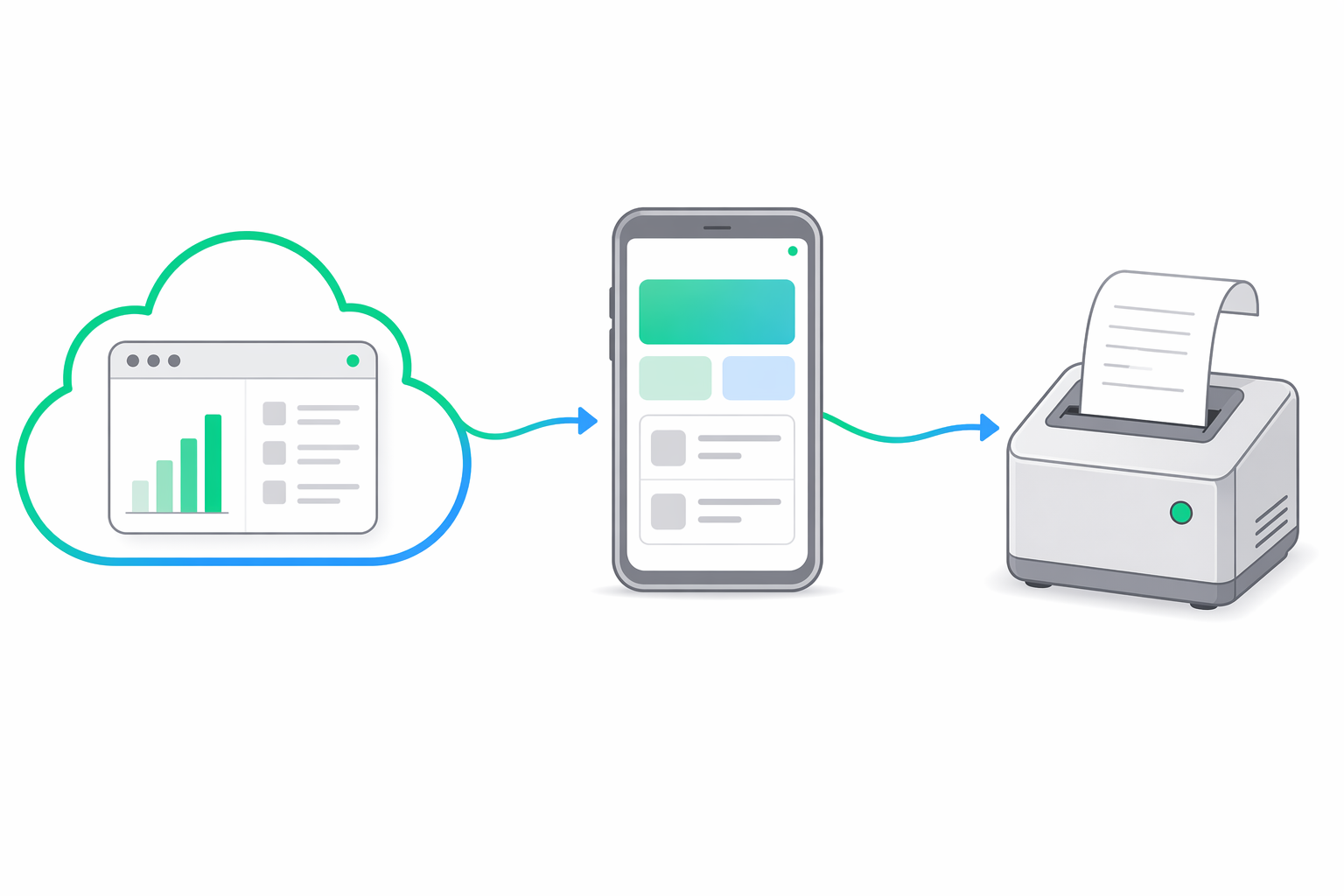
e-bon is built from three loosely-coupled pieces. You will only ever touch one or two of them depending on your role, but it helps to know what runs where so you can reason about where data lives, where commands originate and where things can go wrong.
Meet the three pieces
Cloud Portal — e-bon.ro
The web app where business owners live. It is the multi-location dashboard for your fiscal estate: devices, receipts, X/Z reports, locations, users, API keys, billing, ANAF archives. Anything that needs a screen and a human decision happens here. Built on Nuxt 4 + NuxtUI, runs in any modern browser, no install required.
E-BON App — Android, on-site
The on-site controller. One Android phone or tablet sits next to each fiscal printer and runs the E-BON App. The app is the only thing that talks to the printer hardware — over Bluetooth, USB, Serial or TCP — and to ANAF when a report is uploaded. It is offline-first: a power cut or a flaky internet connection does not stop it from issuing receipts. When connectivity returns it syncs everything back to the Cloud Portal automatically.
Public REST API — api.e-bon.ro
The integration surface for POS partners. It is a documented REST API (OpenAPI) authenticated with API keys that the business owner generates in the Cloud Portal. POS systems call this API to dispatch fiscal receipts, request reports or query device status, without ever needing to know which printer model or transport the device uses on the other end.
Trace a receipt end-to-end
POS sends a receipt to the e-bon API
The POS app calls POST https://api.e-bon.ro/v1/... with the receipt payload and the business's API key.
API hands the command to the device
The API resolves the target device, then pushes the command through the real-time channel (MQTT / WebSocket, with FCM as wakeup fallback).
E-BON App drives the printer
The app receives the command, picks the right driver (Datecs, Daisy, Eltrade, Incotex, Tremol, Custom or Shtrih) and sends the protocol bytes over the device's transport.
Printer prints and reports to ANAF
The fiscal printer prints the receipt and records it in its own fiscal memory. End-of-day Z reports are uploaded to ANAF on the legally required schedule.
Portal sees everything
The receipt, the device status and the ANAF report show up in the Cloud Portal in near real time, available for search, export and audit.
Where to go next
Account & first device
Sign up at e-bon.ro, add your first location and install the E-BON App on your Android device — the canonical first 10 minutes with e-bon.
Troubleshooting
Per-symptom recipes for the most common e-bon failure modes — pairing, command timeouts, webhook delivery, ANAF rejections, HMAC verification and tier limits.