
Datecs
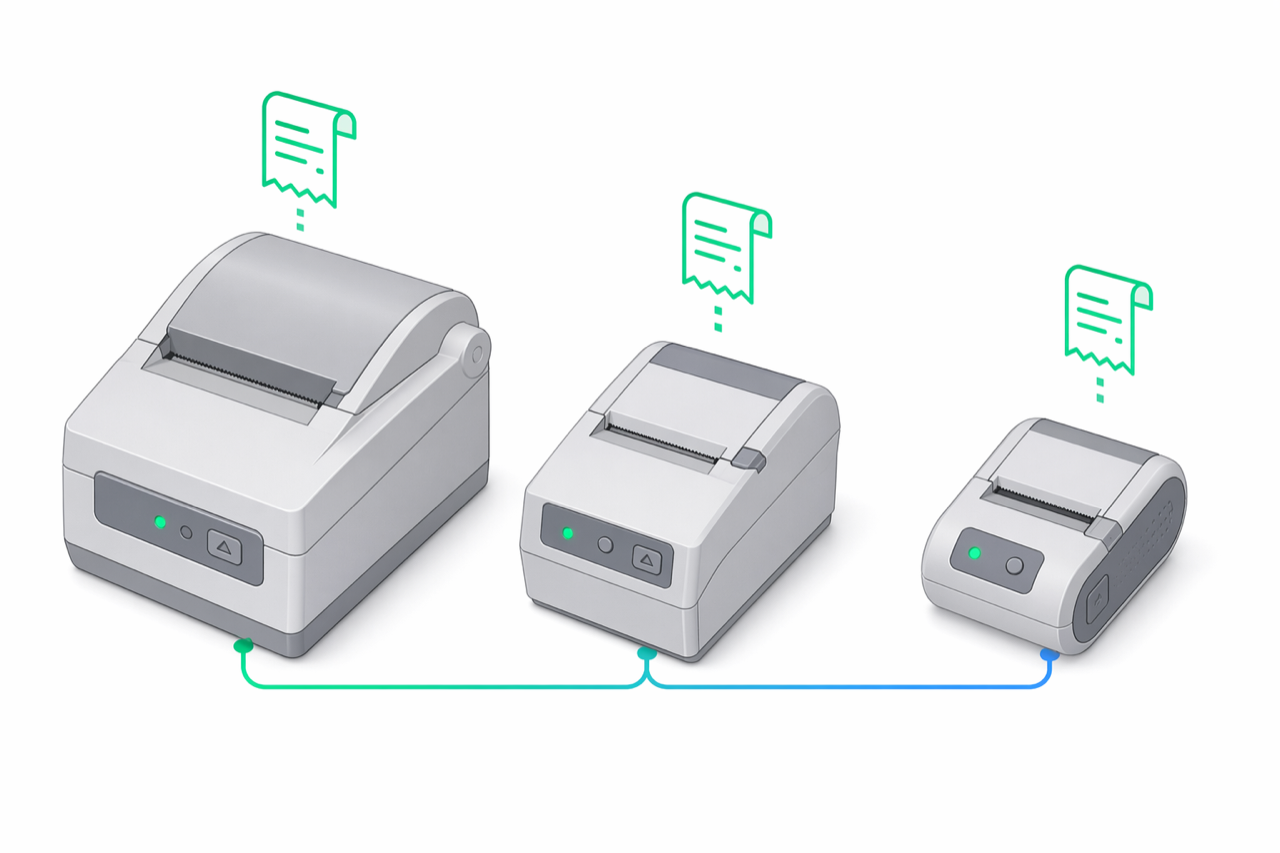
Datecs is a Bulgarian manufacturer with the largest installed base of AMEF hardware in the Romanian and Bulgarian markets. e-bon speaks to Datecs devices using the datecs.isl driver in the isl (Information Systems Limited) family. A single datecs.isl driver covers every Datecs generation. On connect, it resolves the hardware generation over the fiscal protocol itself (diagnostic commands identify extended-frame X/MX devices, and firmware-reported models separate the classic Professional FP/FMP/SK and Compact DP/WP lines) — no per-model driver selection is needed. It is the first entry in the auto-detect probe order because of its installed-base share.
At a glance
| Driver id | Family | Default TCP port | Default baud | Transports | Probe order |
|---|---|---|---|---|---|
datecs.isl | isl | 9100 | 115200 | TCP, Bluetooth, Serial | 1 |
Supported transports
The Datecs protocol accepts the standard transport set: TCP/IP over wired Ethernet, Bluetooth, and Serial (RS-232). USB-attached printers are reached through a USB-to-Serial bridge (CDC-ACM or FTDI) and addressed as Serial — there is no native USB transport for AMEF connectivity, on Datecs or on any other driver in the registry. Wi-Fi is not supported for the AMEF link itself; see the Wi-Fi note in Supported devices.
Connection defaults
The TCP listener on Datecs printers defaults to port 9100, and Serial / Bluetooth links negotiate at 115200 baud. These are the values e-bon will try first when probing or when you accept the suggested defaults during pairing. Override them only when the device has been re-configured locally (uncommon for fiscal hardware) or when the network places the printer behind a port-mapped NAT.
Known quirks / firmware tips
No protocol-specific quirks are documented for the Datecs family at this time — the driver handles generation differences internally so standard troubleshooting applies. If a Datecs unit pairs but hangs mid-bon fiscal, check the link layer first (Bluetooth signal, switch port, cable) before suspecting the protocol layer; see Troubleshooting for the full checklist.
Pairing flow
Pairing a Datecs printer follows the standard e-bon flow on Android: pick the transport (Bluetooth for mobile setups, Serial for fixed POS, TCP for LAN-attached units), accept the suggested driver when auto-detect lands on it, and confirm a test print. The full step-by-step is in Pairing your fiscal printer; this page covers only the per-protocol defaults you may be asked about during that flow.
Next steps
- Supported devices — full compatibility matrix and family overview.
- Pairing your fiscal printer — operational pairing flow on Android.
- Troubleshooting — when a paired device goes offline or refuses to print.
Find your device protocol
Look up every fiscal device protocol supported by e-bon — display name, manufacturer, family, default TCP port, default baud rate, and auto-detection order. Use this page when you register a device through the API or Portal.
Tremol
Tremol fiscal printers — a single ZFP-family driver on the distinctive default TCP port 4999, 115200 baud.