
Device alerts
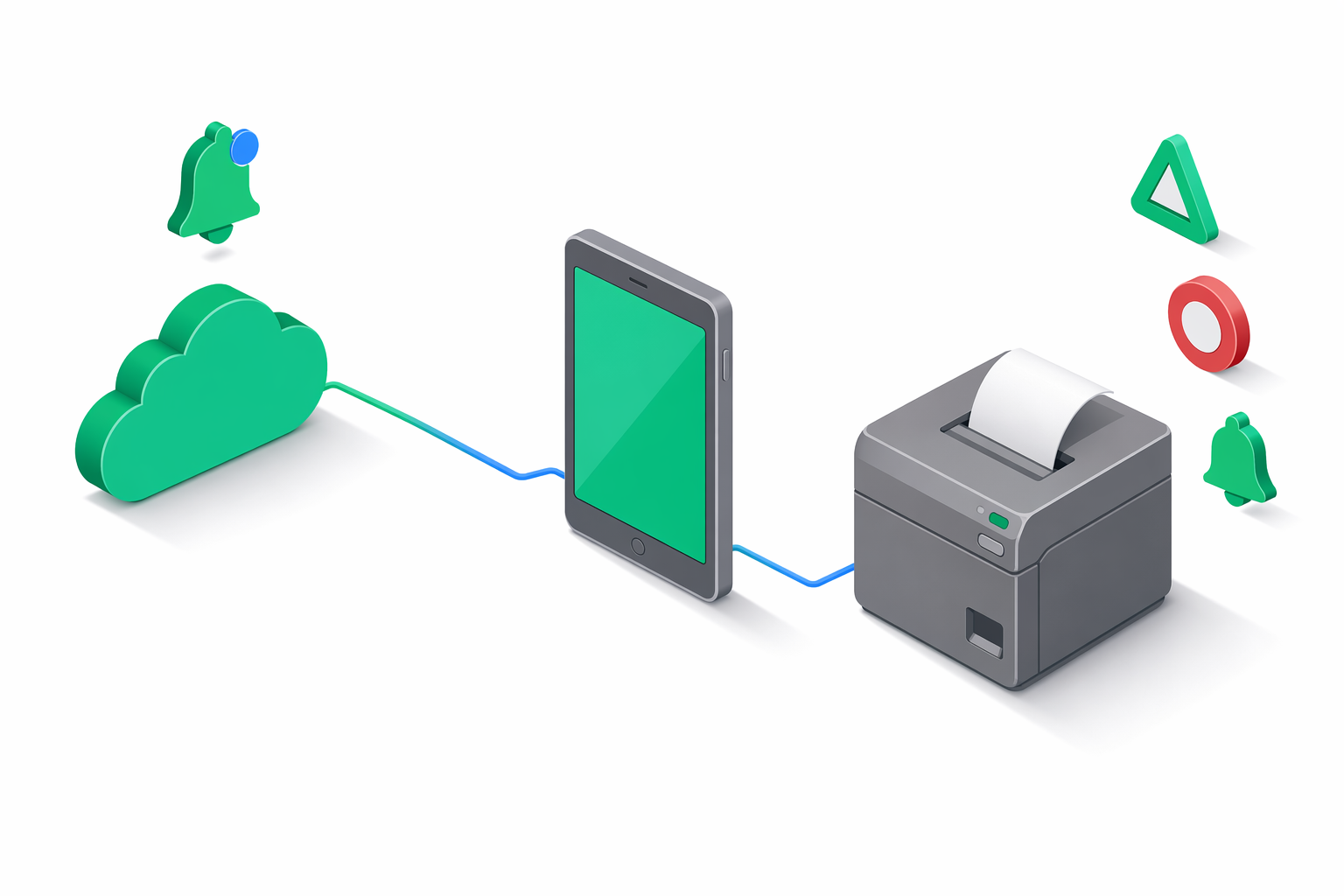
Understand device alerts
Device alerts let you know when one of your fiscal devices needs attention. They cover the day-to-day situations every restaurant or retail operator runs into: the printer is out of paper, the cover was left open, the device dropped offline, or the Z report for the day still hasn't been submitted.
Alerts are evaluated live every time the Portal or your integration asks for them. As soon as you fix the underlying problem — reload paper, close the cover, plug the device back in, submit the Z report — the alert disappears on the next refresh. There's nothing to dismiss or acknowledge by hand.
Recognize the five alert types
See alerts in the Portal
Open the Portal to see alerts in three places:
Bell badge in the top bar
The bell icon shows a count of active alerts across every device in your organization. Click it to jump to the alerts list.
Devices page
Each row in the Devices list shows an alert chip next to any device that needs attention. The chip color matches the severity — yellow for warnings, red for errors.
Device detail page
Open a device to see the full list of its current alerts, with a short message explaining each one.
The Portal refreshes alerts automatically. There's nothing to acknowledge — once you fix the issue on the device, the alert disappears on the next refresh.
Read alerts from the API
If you're building your own dashboard or monitoring integration, e-bon exposes alerts over HTTP.
Get alerts for one device
GET /api/v1/devices/{deviceId}/alerts
Returns the list of active alerts for a single device.
Get alerts for the whole organization
GET /api/v1/devices/alerts
Returns active alerts grouped by device ID. This is the call to use for your own bell-badge or status board.
Both endpoints accept an optional ?severity=warning or ?severity=error filter and require an API token with the devices:read scope. See API — Devices for full request and response details.
Inspect each alert's fields
| Field | Description |
|---|---|
type | The alert type — paper_out, paper_low, cover_open, fiscal_memory_almost_full, z_report_overdue, or disconnected. |
severity | warning or error. |
message | A short human-readable description. |
deviceId | The device the alert belongs to. |
deviceName | The device's display name. |
detectedAt | The timestamp at which this read observed the condition. |
detectedAt values — the timestamp reflects when the API checked, not when the underlying problem started. If you're aggregating alerts, dedupe by the (deviceId, type) pair.Get notified in real time
If polling isn't fast enough for your use case, subscribe to the events WebSocket and listen for the device.alert topic. Your integration receives a push as soon as a new alert is detected, with the same payload shape as the REST endpoint.
The events WebSocket uses the same API token and scope (devices:read) as the REST endpoints.
Continue exploring
- Alerts (Portal) — full walkthrough of the Portal alerts UI.
- API — Devices — HTTP contracts for device endpoints.
- Errors — fiscal errors (ANAF rejections, driver-level failures) surface as command failures, not as device alerts.
Architecture overview
How e-bon connects your point of sale to your fiscal printer, the cloud, and ANAF — at a glance.
Command payload validation
Validation rules e-bon applies to every command request before it reaches your fiscal device — VAT rates, payment types, reversal reasons, items-vs-payments balance, and the error response you get when a payload is rejected.