
Account & first device
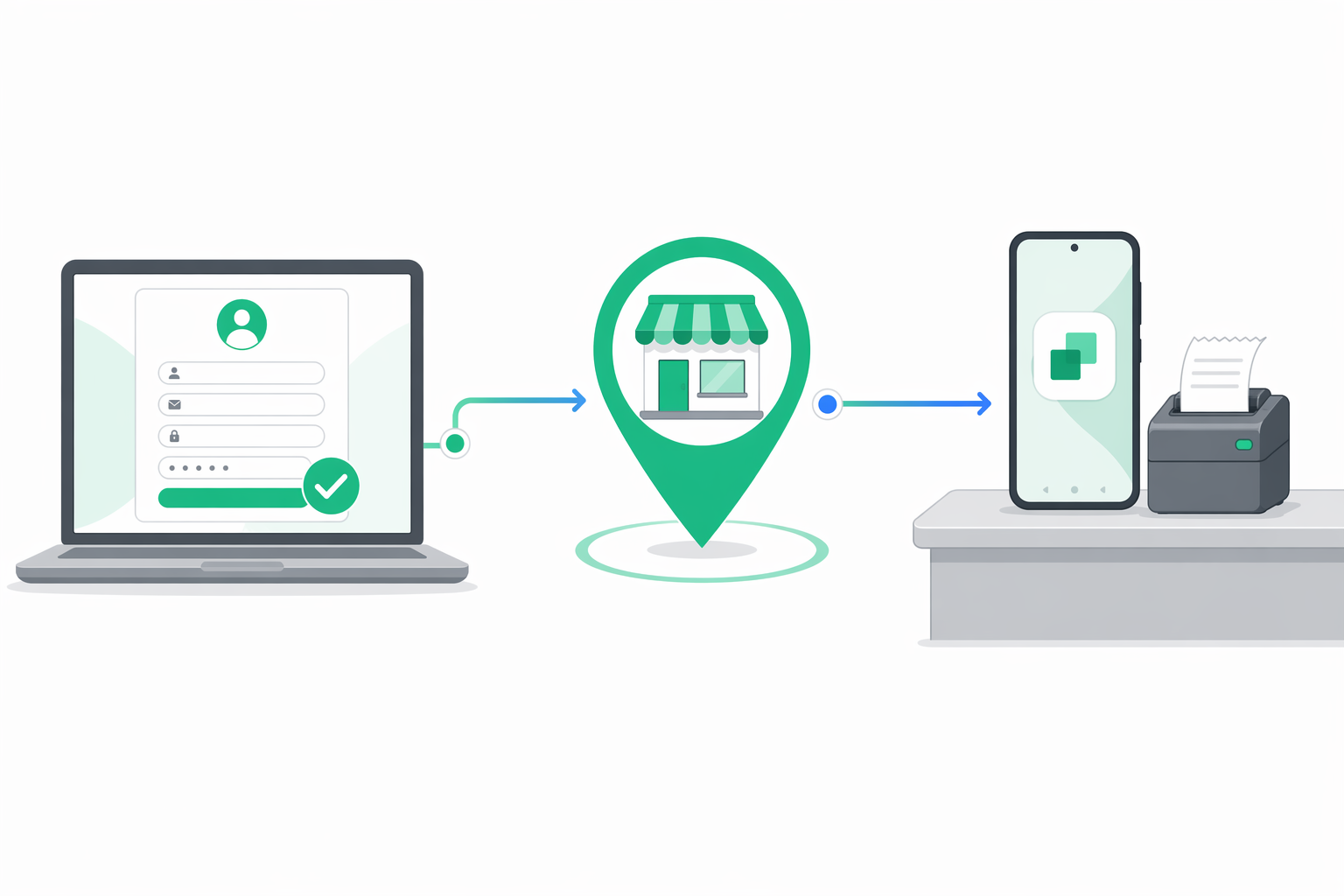
This is the canonical "how do I start" page. Three short steps take you from no account to a running E-BON App that is ready to pair a fiscal printer. Once you finish, the integration walkthrough covers the full end-to-end flow including pairing, test receipts and the first X report.
Sign up at e-bon.ro
Open e-bon.ro in any modern browser and create your account using your business email. The portal pulls your business name and CUI automatically from ANAF — confirm them, set a password and you are in. The free tier covers up to 2 devices and never asks for a card.
Add your first location
The dashboard greets you with a short onboarding checklist. Open Settings → Locations and add the shop, restaurant or office where the first fiscal printer will live. Use a descriptive name like Bucharest — Unirii — you will see this name everywhere a device is listed, so something a colleague would recognise.
Install the E-BON App on Android
On the Android phone or tablet that will sit next to the fiscal printer, install the E-BON App from Google Play. Sign in with the same email and password you used in the portal. The app links itself to your account on first launch and is now ready to pair a printer.
Continue your setup
What is e-bon?
e-bon is the universal fiscal infrastructure service for businesses in Romania — manage every fiscal device from one cloud portal.
How e-bon is organized
The three pieces of the e-bon platform — the Cloud Portal, the E-BON App for Android and the public REST API — and how a fiscal receipt flows between them.