
Getting started
Getting started
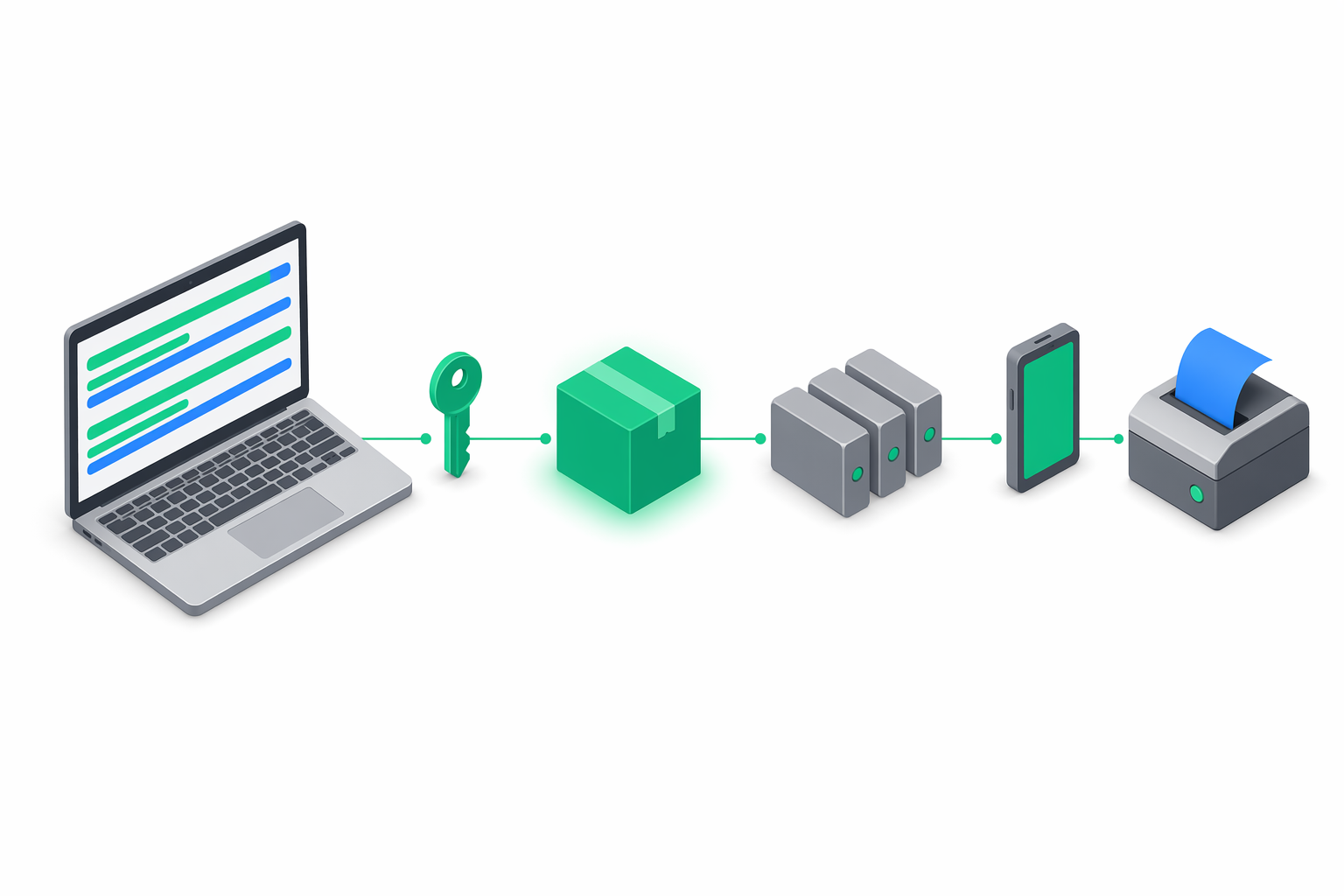
This page takes you from an empty project to a working e-bon integration that lists your fiscal devices and issues a receipt against one of them. Total time: about ten minutes once you have an API key in hand.
Check prerequisites
- An e-bon organization on the Pro plan or higher (the Free plan blocks API-key creation — see API overview › Plan / tier enforcement).
- The Owner or Admin role on that organization.
- At least one fiscal device claimed by an E-BON mobile app instance, so receipts have somewhere to print.
- Node 22+ (or Deno / Bun / a modern browser) — the SDK relies on native
fetch.
Install the SDK
Add @e-bon/sdk to your project. The package is private to the e-bon registry today; once published it is a single dependency:
pnpm add @e-bon/sdk
The SDK ships TypeScript declarations out of the box. No @types/* companion package is needed.
Generate an API key
API keys are created from the e-bon Portal under API keys. Sign in to e-bon.ro, open API keys in the side menu, click Create API key, give it a label and pick the smallest set of scopes your integration actually needs.
The Portal shows the full secret once, in a one-time reveal modal. Copy it into your secret store (1Password, Vault, your CI provider, an env var) before closing the modal.
ebon_live_<orgId>_<32-hex> and the server checks that prefix strictly. See Authentication for the scope catalogue and rotation flow.Instantiate EBonClient
Pull the secret from your environment and pass it once to the constructor:
import { EBonClient } from '@e-bon/sdk';

const apiKey = process.env.EBON_API_KEY;
if (!apiKey) {
  throw new Error('EBON_API_KEY is not set');
}

export const client = new EBonClient({
  baseUrl: 'https://api.e-bon.ro',
  apiKey,
});
You can keep this client on a module-level singleton — it is safe to share across requests. The SDK does not pool connections itself; it relies on the runtime's native HTTP keep-alive.
List your devices
The first useful round-trip is listing the devices on your organization. client.devices.list() returns a Device[]:
import type { Device } from '@e-bon/sdk';

const devices: Device[] = await client.devices.list();

for (const device of devices) {
  console.log(`${device.id} · ${device.name} · status=${device.status}`);
}
You can filter the list by status or locationId via the typed ListDevicesQuery interface:
const onlineDevices = await client.devices.list({ status: 'online' });
Issue a receipt
Receipts are created with client.receipts.create(), which takes a CreateReceiptBody. The required shape — items, payments, total, VAT breakdown and the operator that rang the sale — comes straight from @e-bon/sdk:
import type { CreateReceiptBody } from '@e-bon/sdk';

const body: CreateReceiptBody = {
  deviceId: 'dev_abc123',
  type: 'sale',
  items: [
    {
      description: 'Espresso',
      quantity: 1,
      unitPrice: 12.0,
      vatGroup: 'VAT2',
      total: 12.0,
    },
  ],
  payments: [{ method: 'cash', amount: 12.0 }],
  total: 12.0,
  vatBreakdown: [{ group: 'VAT2', rate: 9, base: 11.01, amount: 0.99 }],
  operatorId: 'op_001',
};

const receipt = await client.receipts.create(body);
console.log('stored receipt', receipt.id);
Note that client.receipts.create() stores a receipt; it does not by itself drive the printer. To dispatch a fiscal print command and have it executed on the AMEF, use client.commands.send():
const command = await client.commands.send({
  deviceId: 'dev_abc123',
  type: 'print_receipt',
  payload: body,
});

console.log(`command ${command.id} status=${command.status}`);
Commands are asynchronous. The call returns immediately with status: "pending" and you either poll client.commands.get(id) or subscribe to command.completed / command.failed events — see Events.
Handle errors
Every failure is one of two exception classes. Wrap your fiscal calls accordingly:
import { EBonApiError, FiscalError } from '@e-bon/sdk';

try {
  await client.commands.send({
    deviceId: 'dev_abc123',
    type: 'print_receipt',
    payload: body,
  });
} catch (err) {
  if (err instanceof FiscalError) {
    // Printer-side failure. err.code is an ErrorCode (E100…E901).
    if (err.retryable) {
      // Safe to retry with the same Idempotency-Key.
    } else {
      // Operator action required (paper out, fiscal memory full, …).
    }
    return;
  }

  if (err instanceof EBonApiError) {
    // HTTP-level failure. Branch on err.status / err.code.
    if (err.status === 429 && err.retryAfter) {
      await sleep(err.retryAfter * 1000);
      return;
    }
    throw err;
  }

  throw err;
}
The full error model — including the RETRYABLE_ERRORS re-export and the isRetryable helper — is documented on the Errors page.
Where to next
- Realtime — listen for
receipt.created,command.completedand friends instead of polling. - Errors — the full retry pattern for
FiscalError. - API › Receipts and API › Commands — wire-level reference for the two endpoints used above.