
Custom SpA (Serial)
Custom SpA is an Italian fiscal printer manufacturer (custom4u.it). The custom.serial driver implements the Custom binary serial protocol — STX/ETX framing with a checksum byte computed as the sum of payload bytes modulo 100 — and is a first-class driver in e-bon, alongside the ISL family (Datecs, Daisy, Eltrade, Incotex), the ZFP family (Tremol) and the Shtrih-M MFJE protocol.
It runs on every shipping Custom hardware generation: SH1 (legacy Renesas), ARM (mid-generation), RX/RT (current production) and IMX (NXP i.MX). Pair the printer over Serial or TCP and the same driver handles all four.
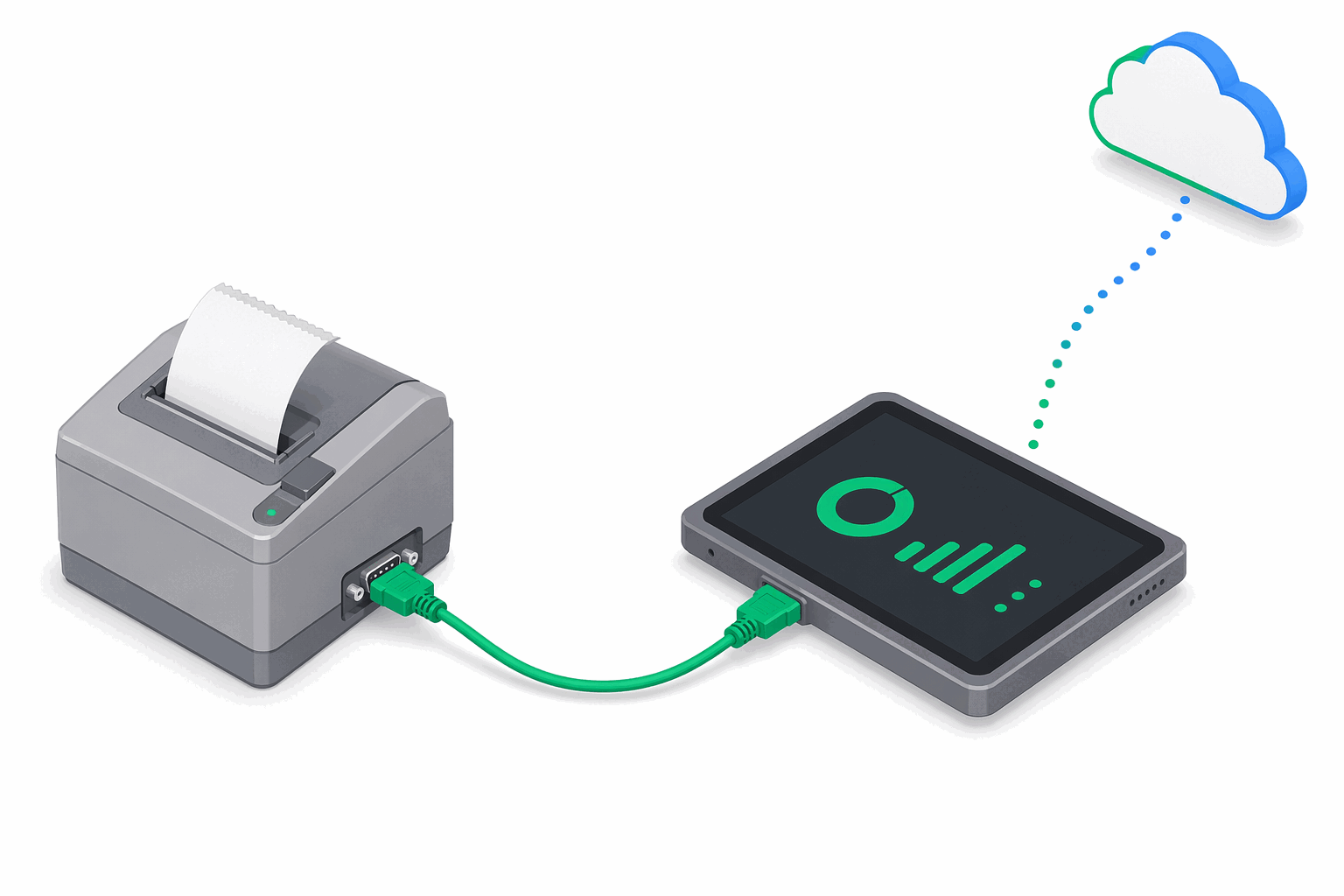
At a glance
| Driver id | Family | Default TCP port | Default baud | Transports | Probe order |
|---|---|---|---|---|---|
custom.serial | custom | 8000 | 9600 | Serial, TCP | 4 |
Choose a transport
Custom devices are wired — the driver does not advertise Bluetooth. Pair them over Serial or TCP. USB-attached printers, as everywhere else in e-bon, are reached through a USB-to-Serial bridge (CDC-ACM or FTDI) and addressed as Serial. Wi-Fi is not a supported transport; see the Wi-Fi note in Supported devices.
Use the connection defaults
The defaults — TCP port 8000 and 9600 baud — match Custom's factory configuration on most hardware variants. If you have changed them in the printer's setup menu, override them at pairing time. Consult the variant's protocol manual when in doubt.
Pair the printer manually
Pairing is the standard e-bon flow: choose Serial or TCP, enter port and baud, run a test print. The driver handles STX/ETX framing automatically. The full walkthrough is in Pairing your fiscal printer.
Next steps
- Supported devices — full compatibility matrix.
- Pairing your fiscal printer — operational pairing flow on Android.
- Troubleshooting — when a paired device goes offline or refuses to print.