
What is e-bon?
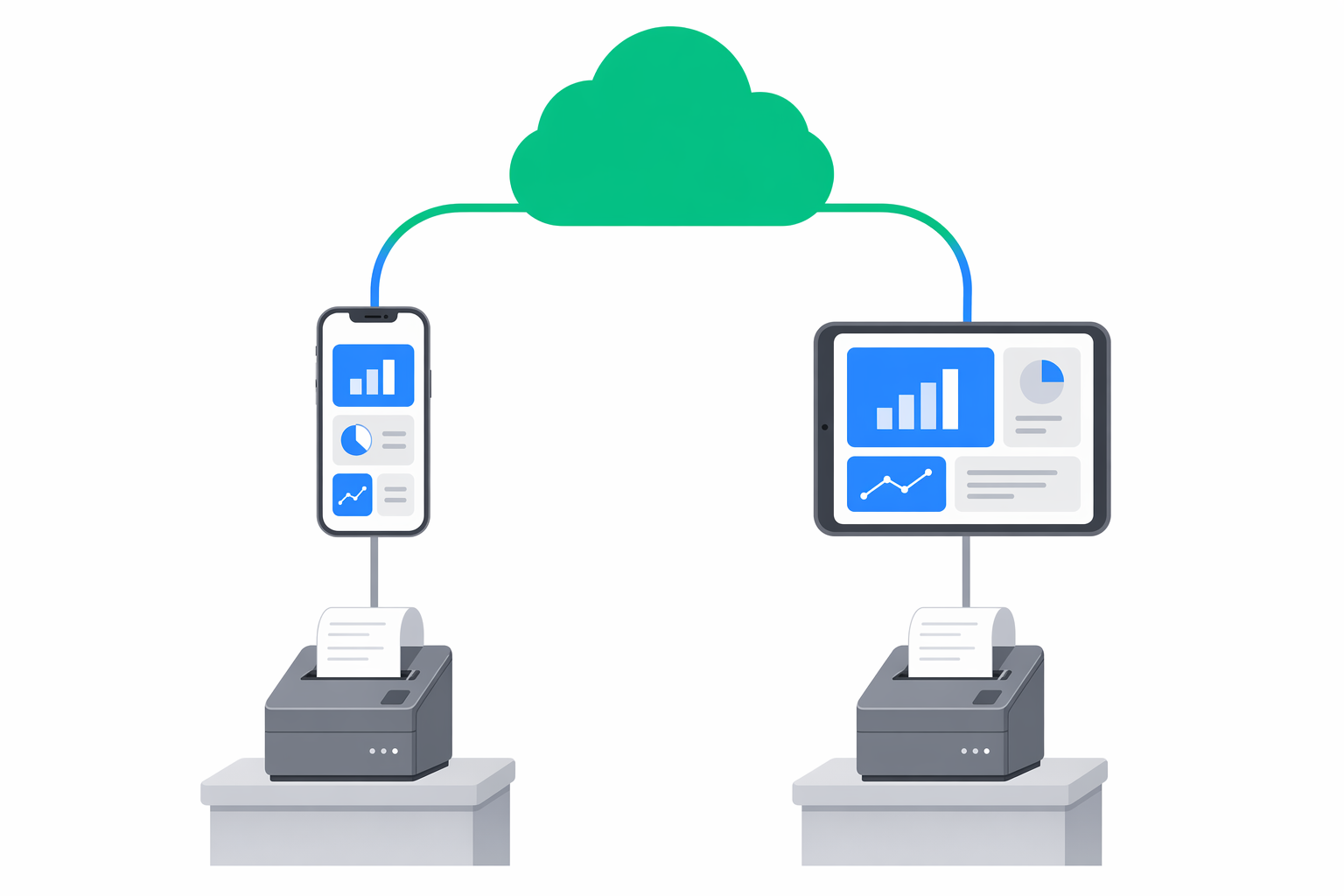
e-bon is the universal fiscal infrastructure service for businesses in Romania. The word bon means receipt — and that is the heart of the platform: connect every fiscal device (AMEF) you own to one cloud portal, dispatch receipts, and stay compliant with ANAF without driving between locations or calling a technician for every small change.
Who is it for?
Business owners
POS integrators
What can you do with e-bon?
The capabilities below are the same ones surfaced on the public landing page:
- Remote configuration — Update settings on any device from your phone. No technician visit, no downtime.
- Real-time alerts — Get notified instantly when a device goes offline, runs out of paper or misses a report.
- Compliance reports — One-click ANAF-ready reports for tax audits. Everything archived, nothing lost.
- Multi-location overview — See every device across every location on one screen. Status, sales and issues at a glance.
- Easy onboarding — Add a new device in under two minutes. Scan, pair, done.
- Receipt management — Track every fiscal receipt in one place. Search, filter and export whenever you need them.
How it works
Create your account
Sign up in under a minute. Free trial, no credit card required to get started.
Connect your devices
Install the E-BON App on the Android device that sits next to your fiscal printer and pair the printer over Bluetooth, USB, Serial or TCP.
Manage from anywhere
Monitor status, get alerts and export reports from your dashboard — phone, tablet or laptop.
The pieces of e-bon
You will run into a few different components depending on your role:
- Cloud Portal — The web app at e-bon.ro where you manage your business, locations, devices, receipts, reports and API keys.
- E-BON App — The Android app that runs next to each fiscal printer. It speaks to the printer over Bluetooth, USB, Serial or TCP and to the portal over the internet.
- Fiscal driver — Built into the app. Supports Datecs, Daisy, Eltrade, Incotex, Tremol, Custom and Shtrih devices out of the box.
- API — A REST API for POS integrators who want to dispatch fiscal receipts programmatically using a scoped API key.