
Fix ANAF archive rejections (SPV)
The ANAF monthly archive is produced and signed by the AMEF itself; e-bon only exports it live from the device so you can download and submit it in Spațiul Privat Virtual (SPV). Rejections therefore arrive in SPV — on the recipisă or the message attached to your submission — not in e-bon, which does not receive or track ANAF's decision. This recipe shows how to interpret the rejection and produce a submission that passes.
anafStatus — SPV is the only place the rejection appears. Whatever the cause turns out to be, the fix always ends the same way: re-export a fresh archive from the device and resubmit — never patch or re-upload the previously rejected file.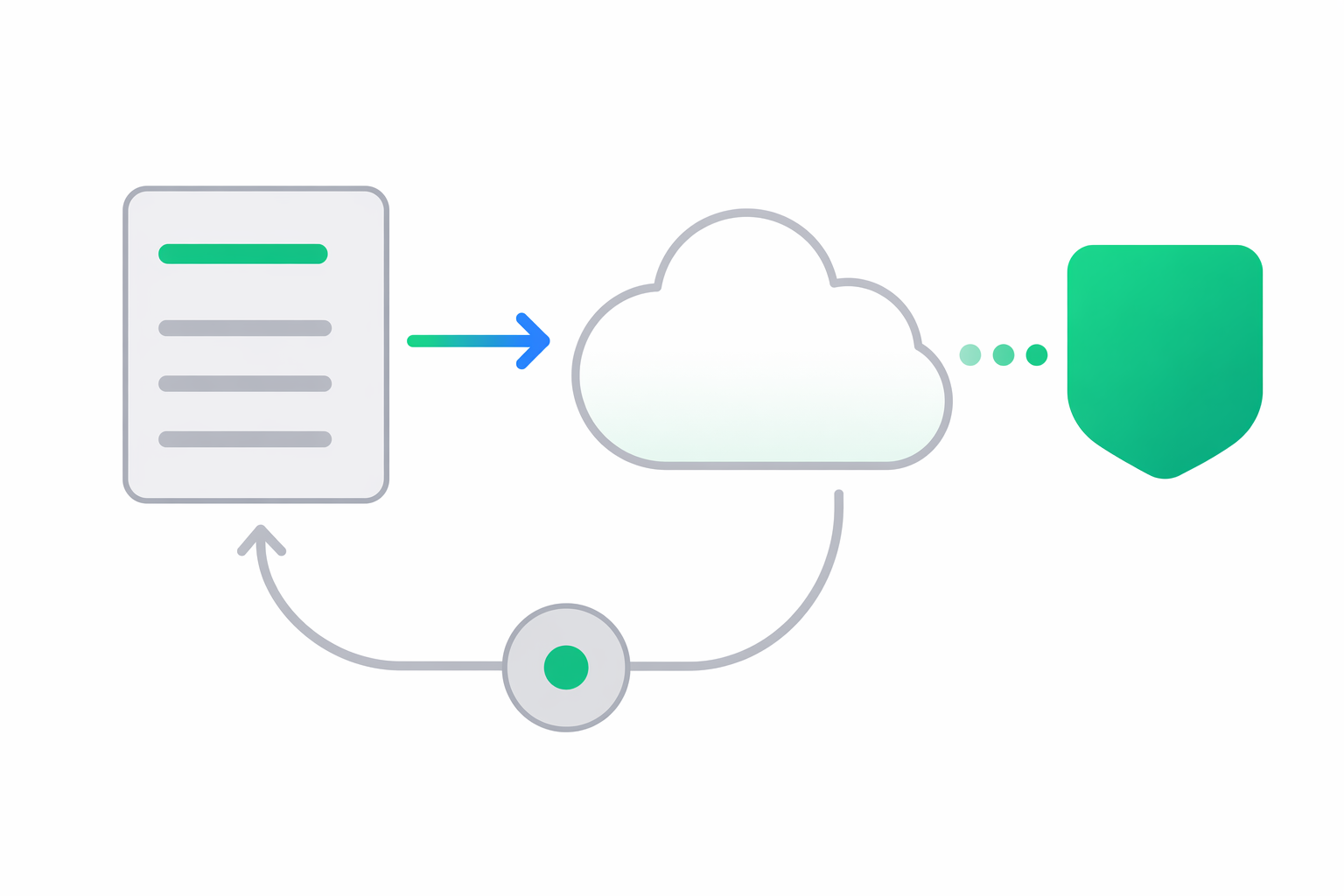
Identify the rejection category
- Wrong month range — the archive was exported for a different period than the one you are declaring (an off-by-one month, or a partial range instead of the full calendar month). ANAF expects the archive to cover exactly the reported month.
- Wrong device / fiscal serial — the archive belongs to a different AMEF than the submission claims. Easy to hit when several devices are registered and the wrong one was selected in the export.
- Corrupted or altered download — the ZIP was truncated in transit, or its contents were opened, edited, renamed or repackaged. The AMEF's signature covers the artefacts byte-for-byte, so any alteration invalidates it.
- Device certificate / firmware issue — the AMEF's fiscal certificate has expired, the device clock has drifted enough for the embedded signature timestamp to be refused, or the firmware produces an older archive format than ANAF currently accepts. This is fixed on the device, not in e-bon.
Re-export a fresh archive
The archive is read live from the device, so the device must be online (its controller app connected) — offline devices return 503 with a connectivity code (E600/E601/E602).
- From the Portal — open Reports → ANAF Export, select the device, pick the month and click Export & download. See Portal · Reports.
- From the API — request the archive for the calendar month (requires the
reportsscope):
curl -X POST "https://api.e-bon.ro/api/v1/devices/{deviceId}/reports/anaf-export" \
  -H "Authorization: Bearer <jwt>" \
  -H "Content-Type: application/json" \
  -d '{ "fromDate": "2026-06-01", "toDate": "2026-06-30" }'
Decode the export.base64 field and save it as a .zip — export.filename and export.sizeBytes tell you what to name it and how large it should be. A size mismatch after saving means the download was corrupted; export again.
Apply the fix
Read the SPV rejection message verbatim
Do not paraphrase or translate the ANAF message before searching for it — the strings are stable and findable on the ANAF documentation portal. Preserve the original Romanian text.
Match the message to a category
Use the categories above. The distinctive elements are the period, the fiscal serial, and any mention of "semnătură" (signature) or file integrity.
Fix the root cause
For wrong month range and wrong device, no repair is needed — just re-export with the correct month and the correct device selected. For corrupted or altered download, re-export and this time submit the ZIP untouched — do not open-and-rezip it. For certificate / firmware issues, contact the authorised technician for the AMEF or the printer vendor — e-bon cannot renew a fiscal certificate or update firmware remotely.
Re-export and resubmit in SPV
Once the cause is addressed, export a fresh archive from the device and submit the new ZIP in SPV. Each export is produced anew from the device's fiscal memory and journal — there is no stored copy to resubmit.
Get more help
Open a support case at contact@e-bon.ro or e-bon.ro/contact with the device ID, the month range you exported and the verbatim ANAF rejection text from SPV. If you suspect this is a previously-undocumented rejection category, flag it explicitly so we can update this recipe.
Webhook delivery failures and auto-disable
How to interpret `lastError`, the 5-attempt backoff schedule, the 20-failure auto-disable, and how to re-enable a webhook safely.
HMAC signature mismatch
Why `X-EBon-Signature` verification fails on your endpoint — clock skew, wrong secret after rotation, and body re-serialization gotchas.